
“I want to save for a trip” is a useful start. Add an amount and a payment date, and you can see the monthly step involved — and whether it fits alongside everyday spending.
Describe the whole purchase
Estimate the full cost. A trip might include accommodation, food and airport transport as well as the ticket. A device might require delivery and essential accessories. Mark which prices are confirmed and which are estimates.
Choose the date when the money must be available. The ticket payment and the departure date may be months apart. Plan around the payment date if that is when you need the cash.
Calculate the remaining step
Suppose the target is $2,400, you have $600 set aside, and there are six monthly contributions before payment. The remaining $1,800 divided by six is $300 per contribution. That is arithmetic, not a guarantee that $300 fits your budget.
What monthly step fits the deadline?
Amounts in US dollars
Equal monthly contributions. No interest, inflation or price changes.
An illustrative example. Your changes stay on this page and are not saved.
Open calculatorThis model includes no interest, investment return, inflation or price changes. “Already saved” means money for this goal, not your entire account balance. If the target is already covered, the additional contribution is zero.
Test the step against an ordinary month
Compare it with essential bills and upcoming irregular expenses. If it is too large, your plan has three variables: the price, the deadline and the amount available to contribute. In this simple model, extending the deadline reduces the monthly step.
Do not count a possible bonus as money already received. Keep it as a separate scenario and update the calculation after it arrives. That leaves the basic plan independent of unconfirmed income.
Track actions as well as percentages
Pick a review date. Check what you actually set aside, whether the price changed and how many contributions remain. If you miss a month, recalculate the balance rather than continuing to rely on an outdated chart.
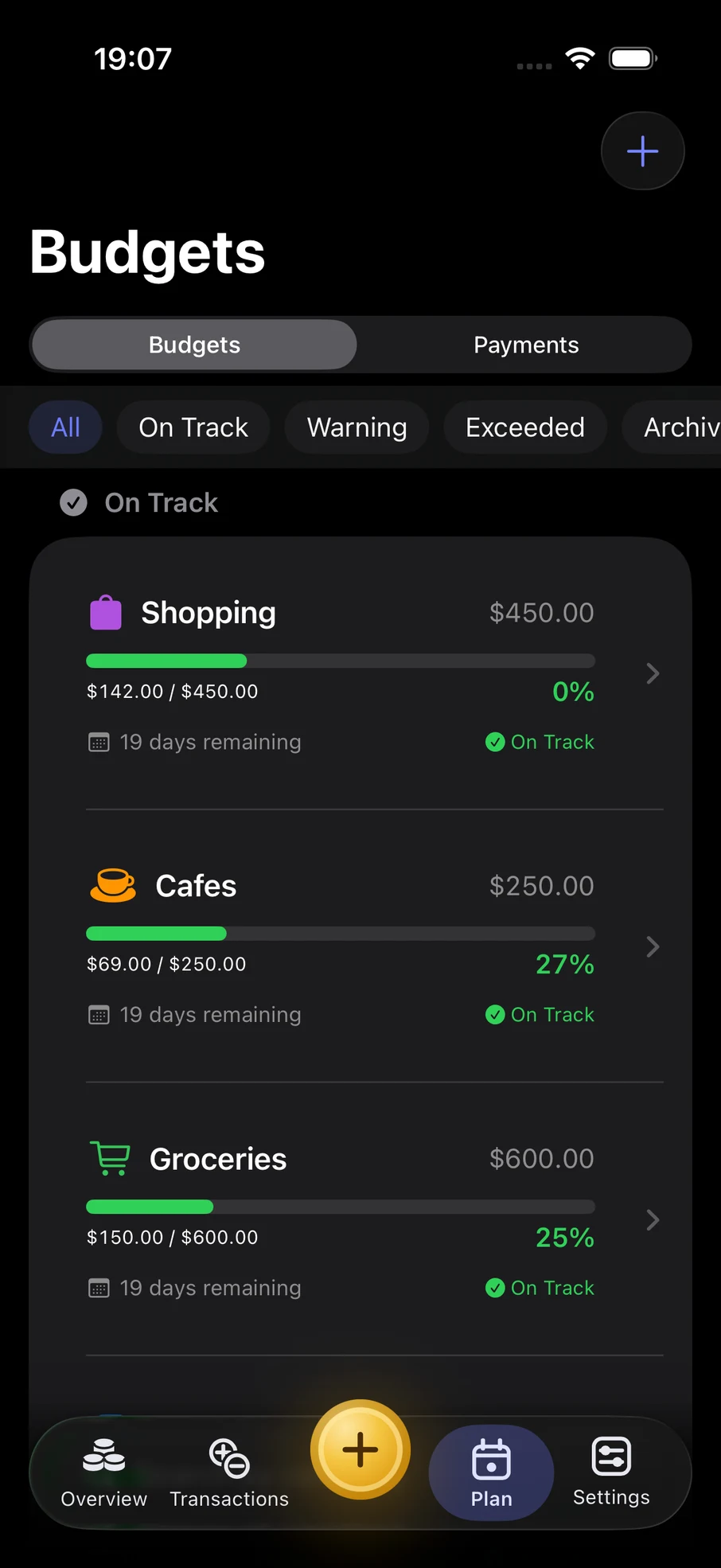
Finik helps you follow category spending so you can see what remains for your plans. For a more detailed calculation, open the financial goal calculator. The example on this page does not move money or create a goal in the app.
Know when to revise the goal
Review it when income, essential expenses or the purchase price changes. Note the reason: a revised deadline can be a considered decision, rather than something that feels like failure.
CFPB: Guide to building an emergency fund explains that an appropriate reserve depends on personal circumstances. A planned purchase and an emergency reserve serve different purposes; our example does not treat the reserve as purchase money.